
The primary function of charisma is to characterize the distribution
of human-visible color classes present in an image. This function provides
a standardized and reproducible framework for classifying colors into
discrete categories using a biologically-inspired Color Look-Up Table (CLUT).
Usage
charisma(
  img_path,
  threshold = 0,
  auto.drop = TRUE,
  interactive = FALSE,
  plot = FALSE,
  pavo = TRUE,
  logdir = NULL,
  stack_colors = TRUE,
  bins = 4,
  cutoff = 20,
  k.override = NULL,
  clut = charisma::clut
)
Arguments
- img_path
Character string specifying the path to an image file, or a
recolorizeobject (for use withcharisma2).- threshold
Numeric value between 0 and 1 specifying the minimum proportion of pixels required for a color to be retained. Colors with proportions below this threshold are automatically removed. Default is 0.0 (retain all colors).
- auto.drop
Logical. If
TRUE, automatically removes the background layer (layer 0) from color counts. Default isTRUE.- interactive
Logical. If
TRUE, enables manual intervention for color merging and replacement operations. Saves all states for full reproducibility. Default isFALSE.- plot
Logical. If
TRUE, generates diagnostic plots during processing. Default isFALSE.- pavo
Logical. If
TRUE, computes color pattern geometry statistics using the pavo package. Default isTRUE.- logdir
Character string specifying the directory path for saving output files. If provided, saves timestamped .RDS (charisma object) and .PDF (diagnostic plots) files. Default is
NULL(no files saved).- stack_colors
Logical. If
TRUE, stacks color proportions in plots. Default isTRUE.- bins
Integer specifying the number of bins for each RGB channel in the histogram method. Default is 4 (resulting in 4^3 = 64 cluster centers).
- cutoff
Numeric value specifying the Euclidean distance threshold for combining similar color clusters. Default is 20.
- k.override
Integer to force a specific number of color clusters, bypassing automatic detection. Default is
NULL.- clut
Data frame containing the Color Look-Up Table with HSV boundaries for each color class. Default is
charisma::clut(10 human-visible colors: black, blue, brown, green, grey, orange, purple, red, white, yellow).
Value
A charisma object (list) containing:
- centers
RGB cluster centers
- pixel_assignments
Pixel-to-cluster mapping
- classification
Discrete color labels from CLUT
- color_mask_LUT
Mapping of clusters to averaged colors
- color_mask_LUT_filtered
Color mapping after threshold applied
- merge_history
Record of all merge operations performed
- replacement_history
Record of all replacement operations performed
- merge_states
List of charisma states after each merge
- replacement_states
List of charisma states after each replacement
- pavo_stats
Color pattern geometry metrics (if pavo = TRUE)
- prop_threshold
Threshold value used
- path
Path to original image
- logdir
Directory where outputs were saved
- auto_drop
Value of auto.drop parameter
- bins
Value of bins parameter
- cutoff
Value of cutoff parameter
- clut
CLUT used for classification
- stack_colors
Value of stack_colors parameter
Details
The charisma pipeline consists of three main stages:
Image preprocessing: Uses
recolorize::recolorize2()to perform spatial-color binning, removing noisy pixels and creating a smoothed representation of dominant colors.Color classification: Converts RGB cluster centers to HSV color space and matches them against non-overlapping HSV ranges defined in the CLUT using
charisma::color2label().Optional manual curation: In interactive mode, users can merge color clusters (e.g., c(2,3)) or replace pixels between clusters to refine classifications.
The workflow can be run fully autonomously or with varying degrees of manual intervention. All operations are logged for complete reproducibility.
References
Schwartz, S.T., Tsai, W.L.E., Karan, E.A., Juhn, M.S., Shultz, A.J., McCormack, J.E., Smith, T.B., and Alfaro, M.E. (2025). charisma: An R package to perform reproducible color characterization of digital images for biological studies. (In Review).
Weller, H.I., Hiller, A.E., Lord, N.P., and Van Belleghem, S.M. (2024). recolorize: An R package for flexible colour segmentation of biological images. Ecology Letters, 27(2):e14378.
See also
charisma2 for re-analyzing saved charisma objects,
color2label for RGB to color label conversion,
validate for CLUT validation,
plot.charisma for visualization
Examples
# \donttest{
# Basic usage with example image
img <- system.file("extdata", "Tangara_fastuosa_LACM60421.png",
package = "charisma")
result <- charisma(img)
#> Warning: if any are empty, remove them
#> Discrete color classes identified: k=7
#> (black, blue, brown, green, grey, orange, yellow)
#> Warning: no DISPLAY variable so Tk is not available
#> Image classification in progress...
#> Using single set of coldists for all images.
#>
#> Warning: Image lighting and quality may vary. Before using results in downstream analyses, check color class outputs, and adjust the CLUT as necessary to capture the appropriate color classes in your image dataset.
# With threshold to remove minor colors
result <- charisma(img, threshold = 0.05)
#> Warning: if any are empty, remove them
#>
#> 3 classes were dropped based on your threshold of 0.05.
#>
#> Replacement colors for these dropped classes arebeing automatically selected based on the pairwiseEuclidean distances between colors classes in the RGBspace so that `pavo` will receive a complete imagemask for downstream calculations!
#>
#> >> The following color categories will be used for remapping:
#> - black
#> - blue
#> - green
#> - grey
#>
#> Distances between brown and:
#> * grey => 61.33
#> * green => 76.13
#> * blue => 121.37
#> * black => 137.26
#> ...Replacing brown with grey
#> Distances between orange and:
#> * grey => 131.23
#> * green => 144.35
#> * blue => 190.4
#> * black => 221.06
#> ...Replacing orange with grey
#> Distances between yellow and:
#> * green => 168.25
#> * grey => 170.78
#> * blue => 231.47
#> * black => 239.13
#> ...Replacing yellow with green
#>
#> Discrete color classes identified: k=4
#> (black, blue, green, grey)
#> Image classification in progress...
#> Using single set of coldists for all images.
#>
#> Warning: Image lighting and quality may vary. Before using results in downstream analyses, check color class outputs, and adjust the CLUT as necessary to capture the appropriate color classes in your image dataset.
# Save outputs to directory
out_dir <- file.path(tempdir(), "charisma_outputs")
result <- charisma(img, threshold = 0.05, logdir = out_dir)
#> Warning: if any are empty, remove them
#>
#> 3 classes were dropped based on your threshold of 0.05.
#>
#> Replacement colors for these dropped classes arebeing automatically selected based on the pairwiseEuclidean distances between colors classes in the RGBspace so that `pavo` will receive a complete imagemask for downstream calculations!
#>
#> >> The following color categories will be used for remapping:
#> - black
#> - blue
#> - green
#> - grey
#>
#> Distances between brown and:
#> * grey => 61.34
#> * green => 76.13
#> * blue => 121.37
#> * black => 137.26
#> ...Replacing brown with grey
#> Distances between orange and:
#> * grey => 131.23
#> * green => 144.35
#> * blue => 190.4
#> * black => 221.06
#> ...Replacing orange with grey
#> Distances between yellow and:
#> * green => 168.25
#> * grey => 170.78
#> * blue => 231.47
#> * black => 239.13
#> ...Replacing yellow with green
#>
#> Discrete color classes identified: k=4
#> (black, blue, green, grey)
#> Image classification in progress...
#> Using single set of coldists for all images.
#>
#> Writing out charisma object to: /tmp/RtmpTUT5lK/charisma_outputs/charisma_objects/Tangara_fastuosa_LACM60421_charisma_04-10-2026_06.01.16.RDS
#> Writing out charisma plot to: /tmp/RtmpTUT5lK/charisma_outputs/diagnostic_plots/Tangara_fastuosa_LACM60421_charisma_04-10-2026_06.01.16.pdf
#> Warning: Image lighting and quality may vary. Before using results in downstream analyses, check color class outputs, and adjust the CLUT as necessary to capture the appropriate color classes in your image dataset.
# View results
plot(result)
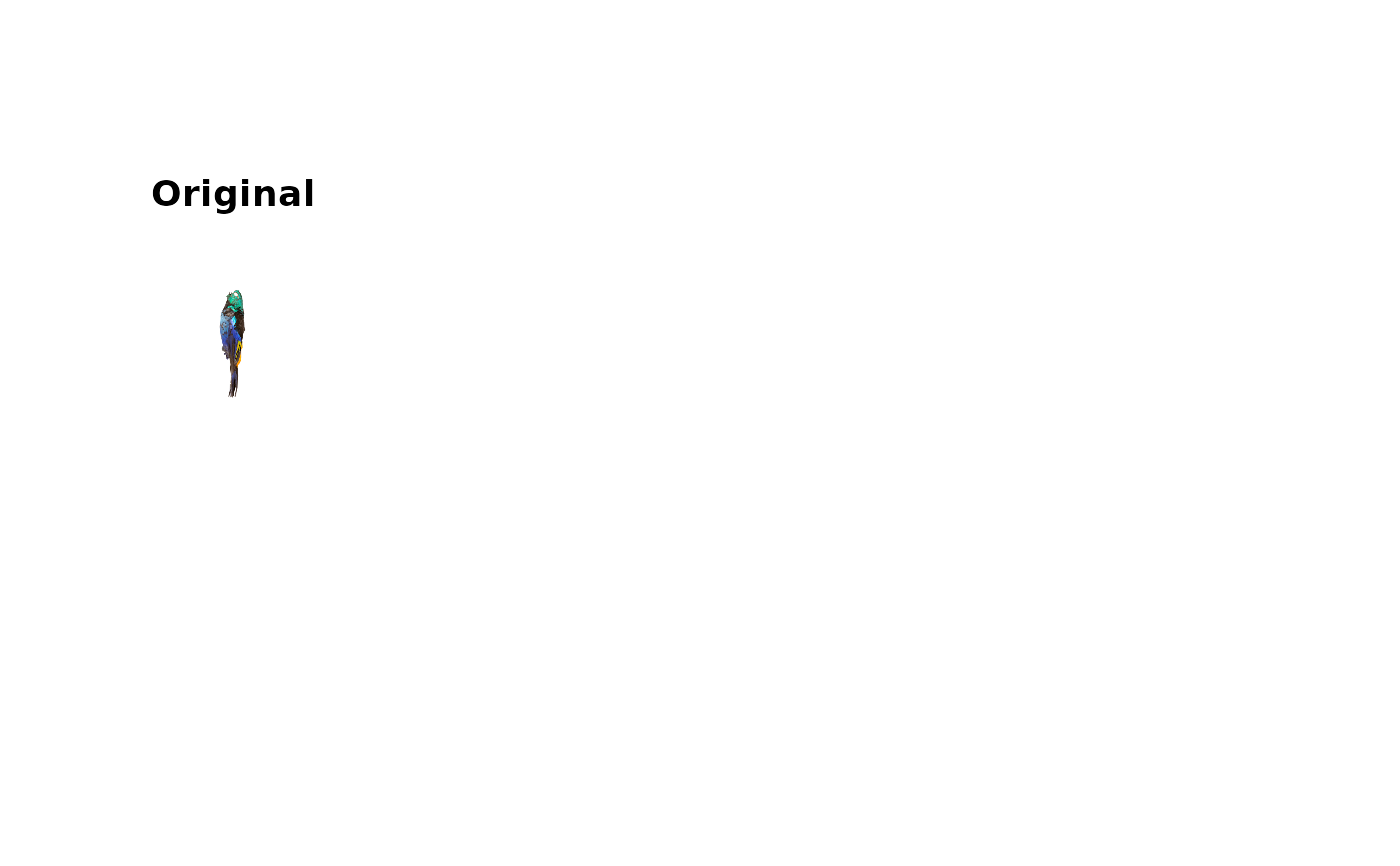 #> Error in par(oldpar): invalid value specified for graphical parameter "pin"
# }
# Interactive mode with manual curation (only runs in interactive sessions)
if (interactive()) {
img <- system.file("extdata", "Tangara_fastuosa_LACM60421.png",
package = "charisma")
result <- charisma(img, interactive = TRUE, threshold = 0.0)
}
#> Error in par(oldpar): invalid value specified for graphical parameter "pin"
# }
# Interactive mode with manual curation (only runs in interactive sessions)
if (interactive()) {
img <- system.file("extdata", "Tangara_fastuosa_LACM60421.png",
package = "charisma")
result <- charisma(img, interactive = TRUE, threshold = 0.0)
}